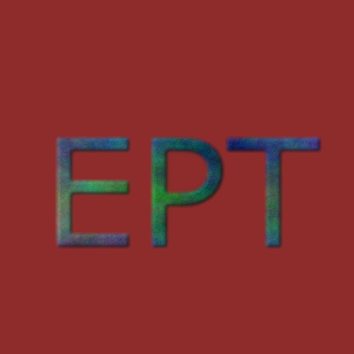
1. Add an image.
2. Select Rectangle Select Tool and select area you want.
3. Click Quick Mask Button.
4. Filters -> Artistic -> Cubs…
Showing posts with label GIMP. Show all posts
Showing posts with label GIMP. Show all posts

GIMP
GIMP Tutorial 10 - Remove Red Eye
Without use select tools, Red Eye Removal effects on another area of the image.
1. Select eyes by using Ellipse Select Tools.
2. Now Apply …

GIMP
GIMP Tutorial 1 - Create Logo
1. File -> New ( Ctrl + N ) Fill with foreground color.
2. Add text (text tool) in the image.
3. Top layer is more visible. Right click…